한글처리를 할 때 자꾸 에러가 나고 공백으로 뜬다면, 아래의 코드를 실행하면 된다.
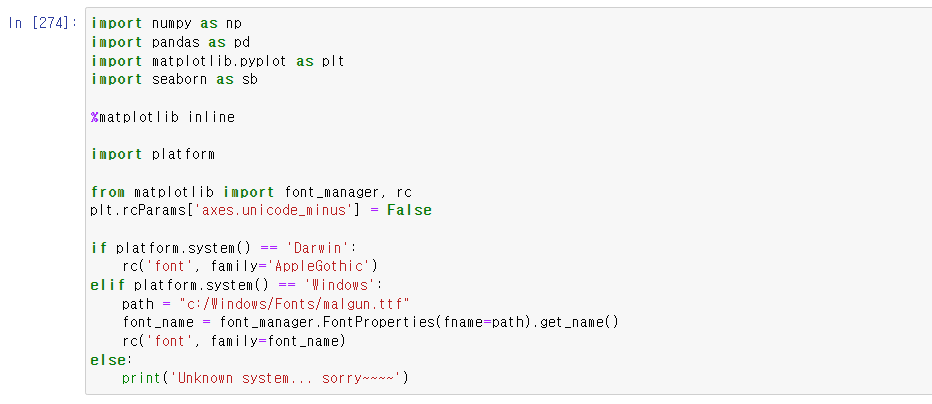
import numpy as np
import pandas as pd
import matplotlib.pyplot as plt
import seaborn as sb
%matplotlib inline
import platform
from matplotlib import font_manager, rc
plt.rcParams['axes.unicode_minus'] = False
if platform.system() == 'Darwin':
rc('font', family='AppleGothic')
elif platform.system() == 'Windows':
path = "c:/Windows/Fonts/malgun.ttf"
font_name = font_manager.FontProperties(fname=path).get_name()
rc('font', family=font_name)
else:
print('Unknown system... sorry~~~~')
'Python' 카테고리의 다른 글
| Python - True의 반대 값 False 리턴받기 (0) | 2022.11.29 |
|---|---|
| Python 숫자 데이터가 담긴 csv 파일 효율적으로 불러오기, thousands (0) | 2022.11.29 |
| [Matplotlib] 두 컬럼간의 관계, Scatter, regplot, pairplot, Heat map (0) | 2022.11.28 |
| [Matplotlib] Histogram, 히스토그램 차트 만들기 (0) | 2022.11.28 |
| [Matplotlib] Pie Chart 만들기 (0) | 2022.11.28 |